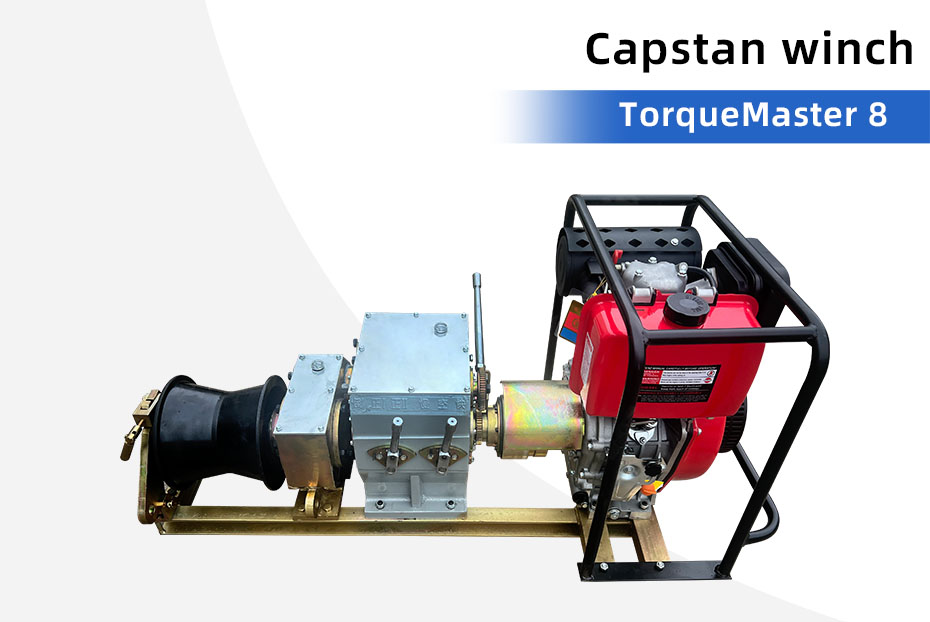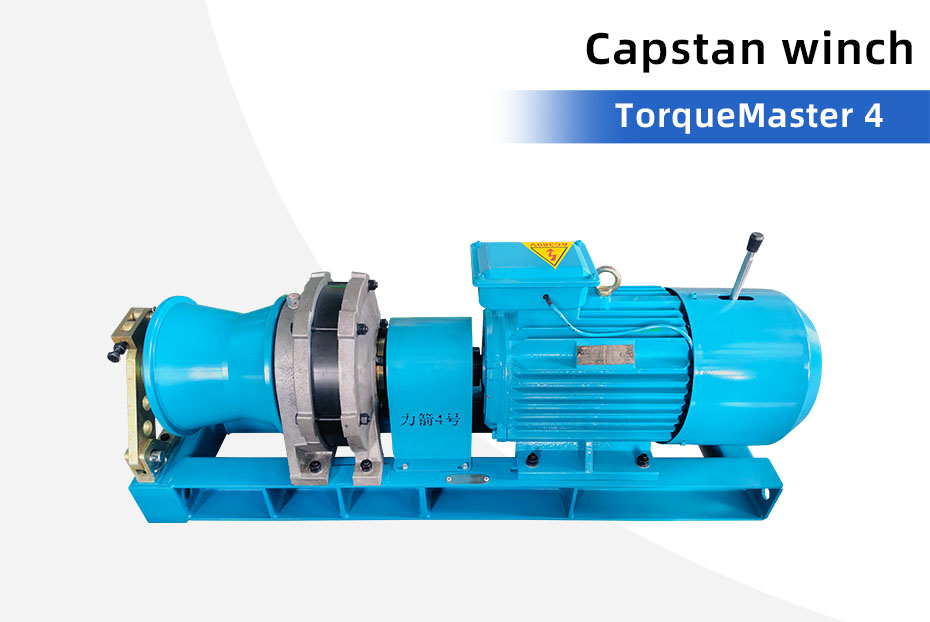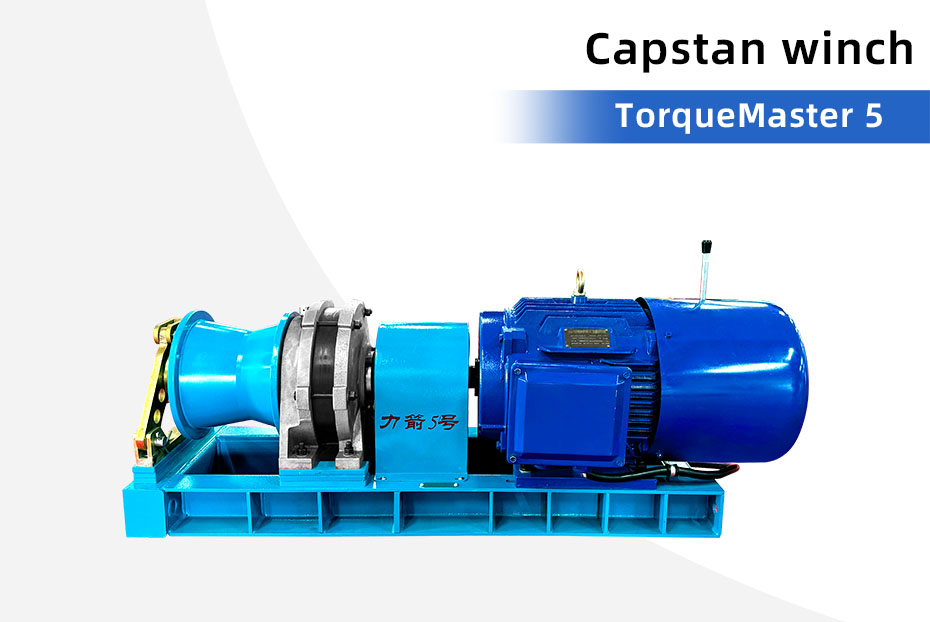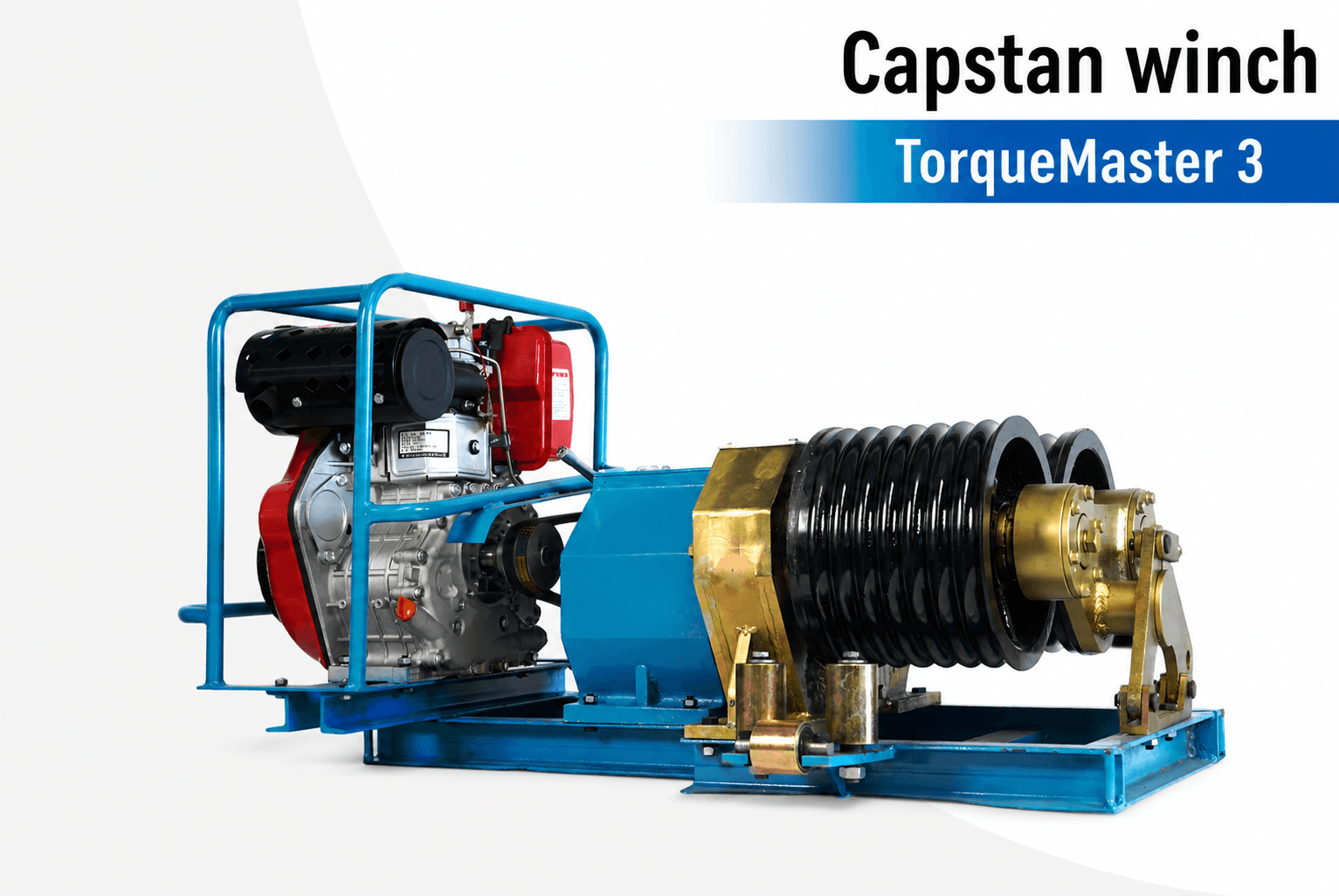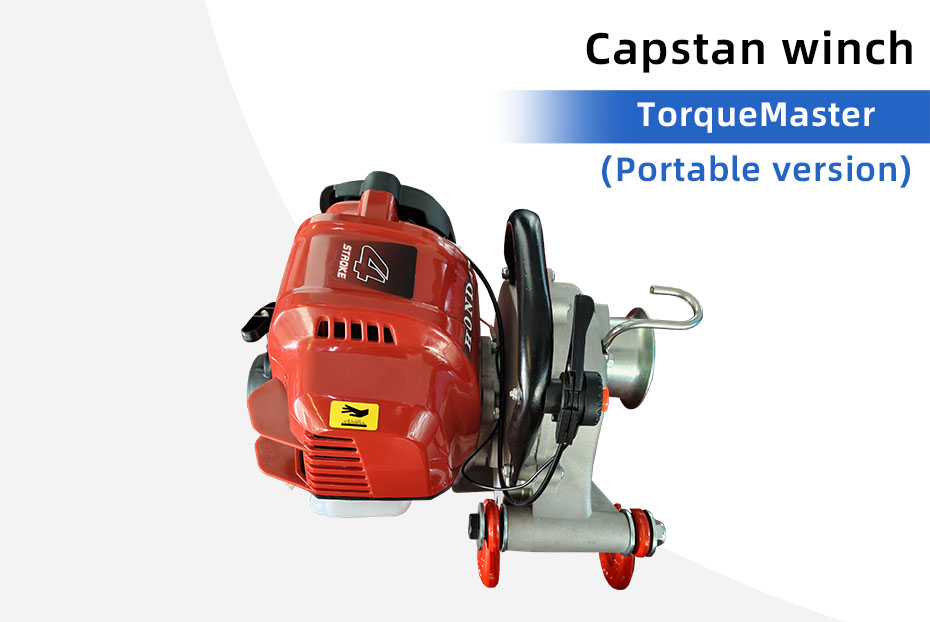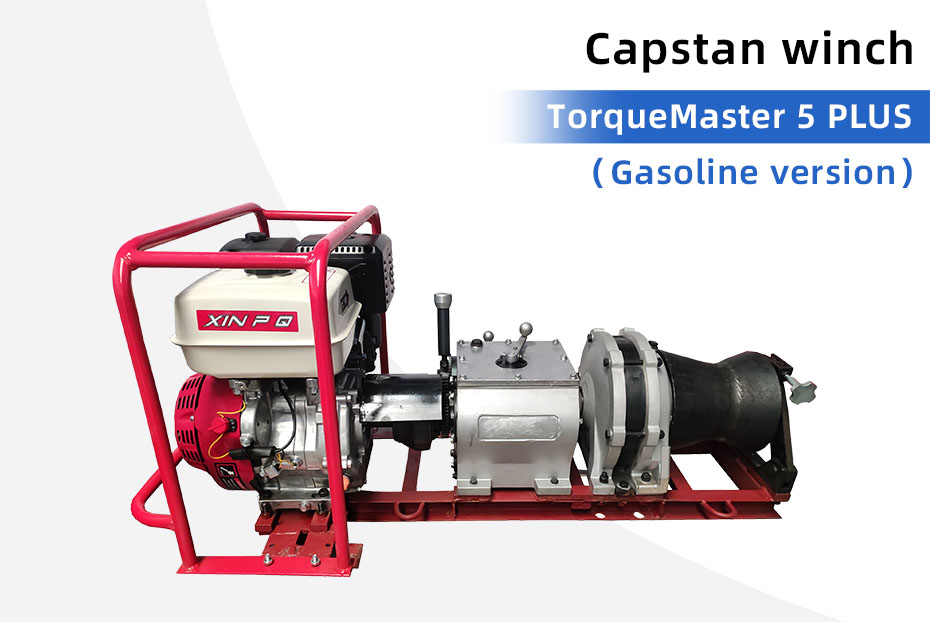
A cable conveyor maintenance check should establish whether the actual machine is ready for the next job and what needs attention before it leaves the workshop. Start with its model, serial number, supplied power system and service history. A checklist for a different cable pusher can miss important components or prescribe the wrong maintenance procedure.
This guide helps equipment owners organize a pre-job review and a useful support request. Use the operation and maintenance instructions supplied for your machine for inspection methods, wear limits, lubricants and service intervals. Repairs, electrical testing and return-to-service decisions belong to suitably qualified personnel.
1. Identify the machine and its manual
Put the machine identification and document revision at the top of the inspection sheet. Record the controller and power unit separately where they have their own identification. Attach the last service record and any unresolved fault report. If the manual or history is missing, request it before commissioning or assigning maintenance work.
For example, the Tank 900 crawler cable conveyor page lists travel and conveyor modes separately. The inspection record should identify both functions. An electric conveyor with a separate controller needs a different equipment list. A shared product-family name does not establish identical parts or procedures.

2. Record the visible condition before dispatch
After the machine has been stopped and made safe under its isolation procedure, record visible damage, missing guards, loose or missing retaining components, and contamination. Keep clear of pinch points. Do not remove guards or reach into the drive to complete a photograph. Record a defect as an open item rather than assuming it is harmless because the machine still runs.
Take a whole-machine photograph and a closer view of each reported defect. Include its location, the observation date and the machine identification. A clear description such as “outer supply cable jacket damaged beside the entry fitting” is more useful for support than “electrical problem.” Do not energize a damaged machine to demonstrate the fault.

3. Review the cable-contact path
Check the contact surfaces and guides using the model’s instructions. Record debris, visible damage or uneven wear, together with any previous report of slipping or jacket marking. Where an inspection point cannot be reached safely, leave it for qualified service personnel. A photograph cannot establish the remaining service life of a track or roller.
Keep the maintenance decision separate from the next cable’s suitability. A serviced conveyor still needs its working range and contact arrangement checked against the cable datasheet and approved installation plan. The 900 Mini product page is a useful starting point for identifying the offered configuration; confirm the delivered version before ordering parts.
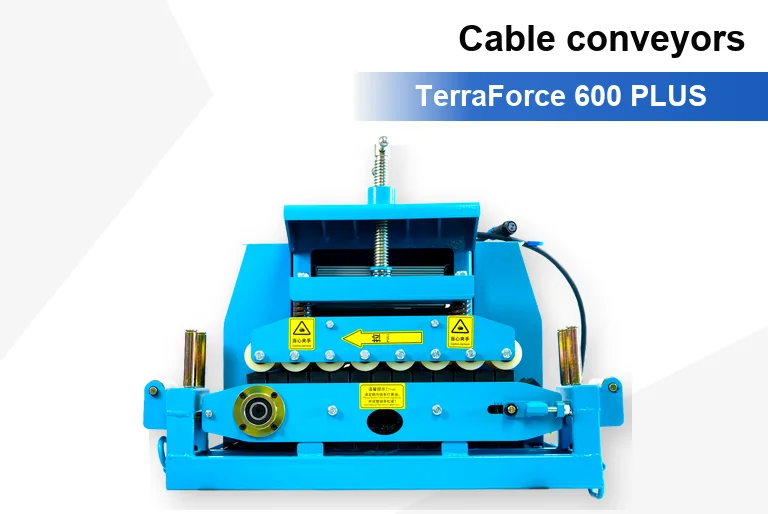
Do not borrow a lubrication interval or adjustment method from another manufacturer’s cable pusher. Some machines use different drive and power arrangements. Obtain the specified lubricant, application point and adjustment procedure for the exact unit. Keep lubricants away from cable-contact surfaces unless its instructions expressly require otherwise.
4. Check the supplied power and controls
List every controller, remote, interconnecting lead and power cable that will travel with the machine. Compare the list with the delivery documents and identify missing or damaged items. Electrical and functional checks must follow the supplied instructions and be performed by authorized personnel. Record the test and its result rather than writing only “remote OK.”

For a fuel-powered configuration, include the engine or generator documentation in the service pack. For an electrical configuration, include the nameplate information and controller version. A fuel tank capacity does not establish runtime or a servicing interval. A remote-control handset does not establish that several conveyors share a coordinated emergency-stop system.
Related reading: multi-machine control planning and overheating symptoms and support information.
5. Use a pre-job inspection record
The following is an equipment-owner record template. It organizes evidence and responsibilities; it does not set engineering acceptance criteria or replace the machine’s maintenance schedule.
| Record field | What to enter | Close-out evidence |
|---|---|---|
| Identification | Model, serial number, power unit and controller | Identification photographs and manual revision |
| Previous issue | Fault description and last service action | Service report or an unresolved-item reference |
| Visible condition | Location and description of damage or contamination | Dated photographs and inspection outcome |
| Service due | Task and interval from the applicable manual | Date, technician and completed task |
| Supplied accessories | Controller, leads, guides and ordered spares | Count checked against the dispatch list |
| Release decision | Ready, held for service, or awaiting technical review | Responsible person and dated authorization |
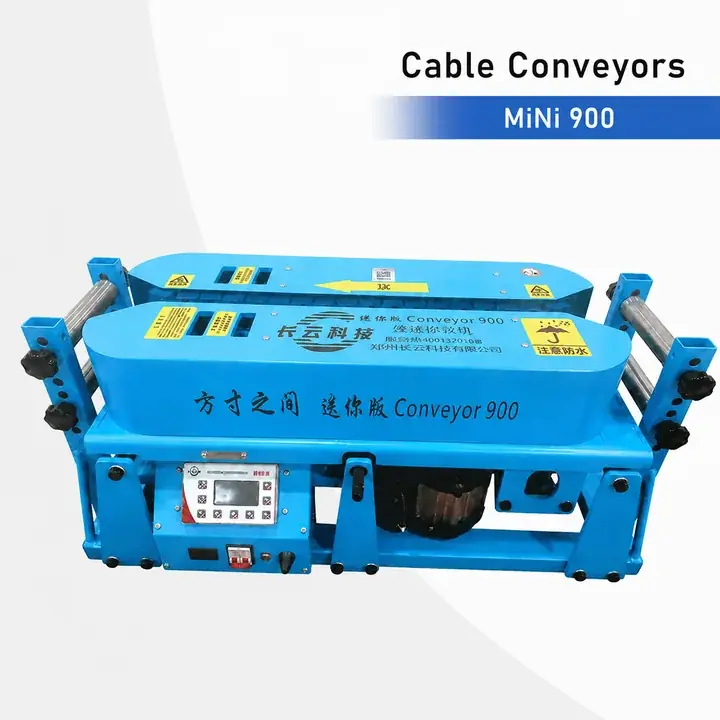
Use one sheet per machine when several units are dispatched. A common project number can link the sheets, while individual serial numbers retain the service history. Carry unresolved items into the handover document. A purchased spare part and a completed repair are different states and should have separate entries.
6. Maintenance FAQ and support
How often should a cable conveyor be serviced?
Use the schedule issued for the exact machine and its power unit. Operating conditions and the manufacturer’s instructions determine whether additional checks are required. There is no single service interval that applies to every cable conveyor.
Can I use a generic cable pusher manual?
Use it for background reading only. The GMP Model 89760 manual, for example, describes a hydraulic cable pusher and its own maintenance requirements. Those settings and intervals are not specifications for the KeepApex equipment pictured here.
What should I send when requesting service information?
Send the model and serial number, power and controller details, manual revision, previous service record and clear photographs. Describe the symptoms and whether the machine is isolated and held out of service. Ask for the applicable parts identification and inspection procedure before buying replacements.
Request model-specific maintenance information or compare the cable conveyor range. For parts identification, use our spare-parts ordering checklist.