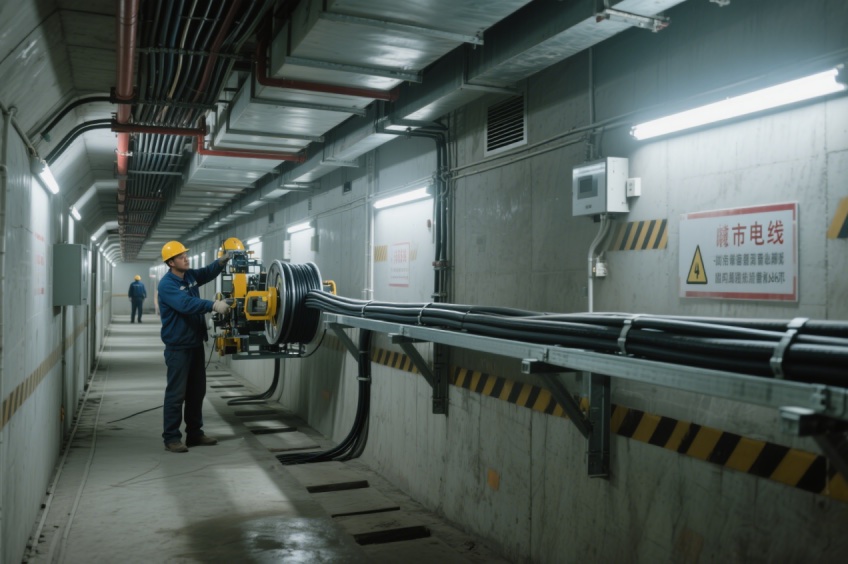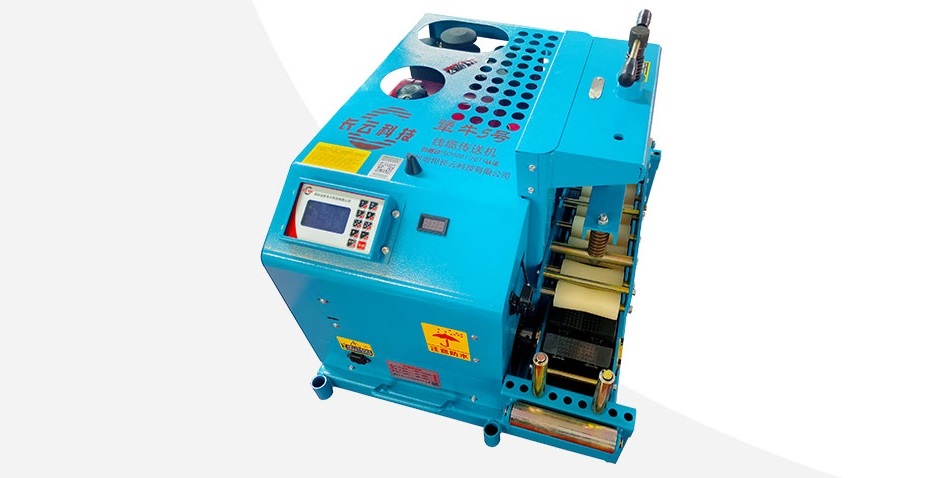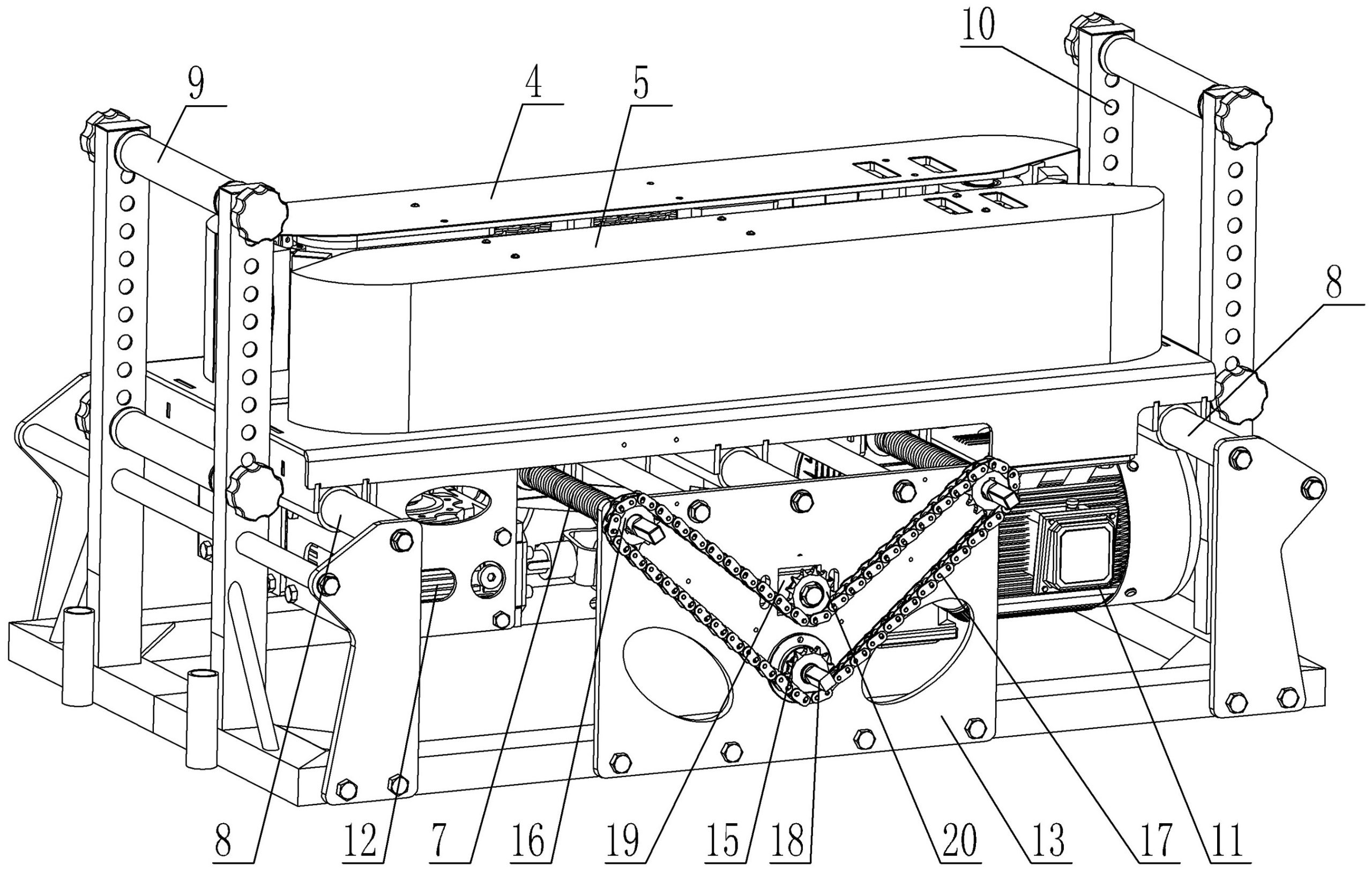
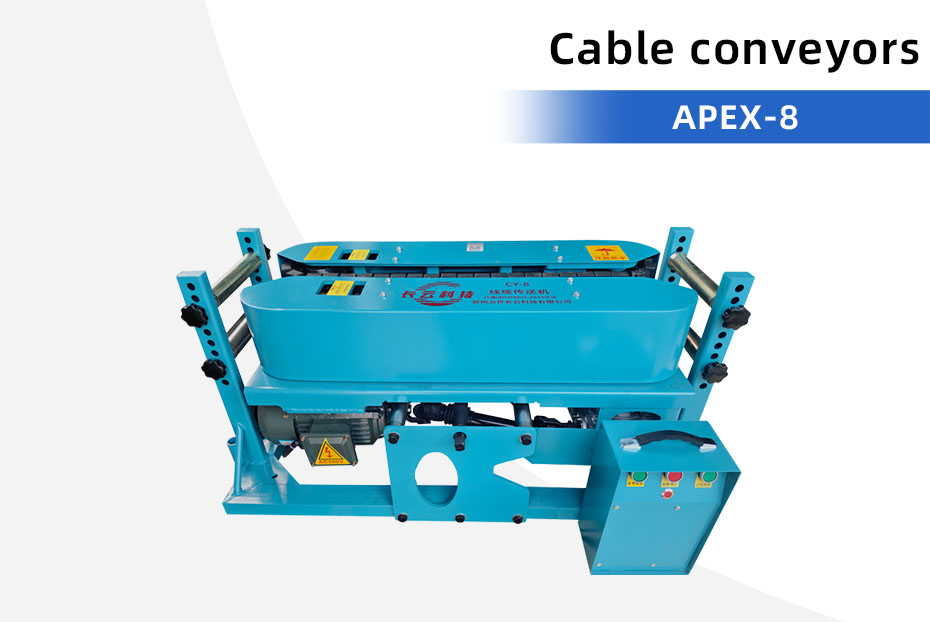
A cable pusher remote control lets an operator send commands from a separate position. Before ordering several machines, ask which commands reach which units. A handheld controller for one conveyor does not establish compatibility with another machine.
For a multi-machine cable installation, agree the control arrangement in writing with the supplier. The useful purchasing document is a list of machines, controls, connections and expected responses.
Separate three control requirements
| Requirement | What you need to establish | What to request |
|---|---|---|
| Local panel operation | Commands available at each machine | A panel photo and operating instructions for the supplied version |
| Remote operation | Whether the controller operates one machine or a defined group | Controller type, supported commands and working limitations |
| Joint operation | Which machines can work together and how commands are distributed | Compatible model list, connection drawing and an agreed demonstration |
Clarify what the supplier means by synchronized operation. Ask whether it means shared start/stop commands, a shared speed setting, or feedback-controlled coordination. These descriptions imply different equipment and should not be treated as interchangeable.
A real product example: TerraForce 600 PLUS
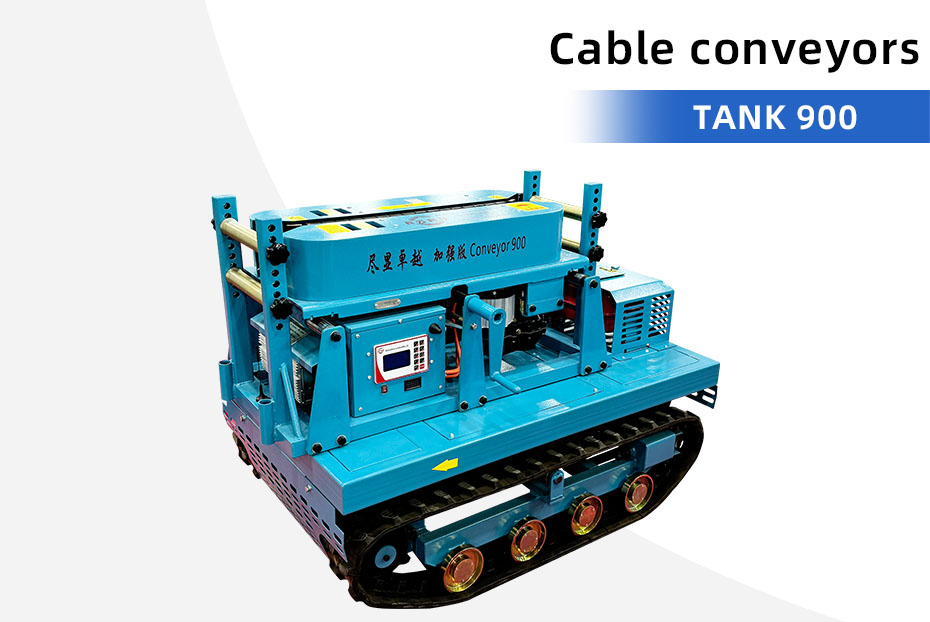
The TerraForce 600 PLUS cable conveyor page lists panel operation plus remote control, a built-in joint control module and a conveying range of 4–26 m/min. These are starting points for a configuration enquiry. Ask the supplier to confirm the exact controller, compatible machine versions and included linking accessories for your order.
The same page lists AC380V power and a 1500W motor. Electrical supply and control connections need separate confirmation. A control cable should never be assumed to supply power to the next machine.
Send a control-system purchasing checklist
- Identify every machine by model and, for existing equipment, serial number and controller photos.
- State how many machines will be grouped and the distances between their intended positions.
- List the commands required at the operator position: start, stop, direction and speed, as applicable.
- Ask for control cable lengths, connector types and any required junction boxes.
- Request the intended response to communication loss, a stopped machine or a local emergency stop.
- Ask which components are included, optional or supplied by the buyer.
Agree the demonstration before dispatch
Request a demonstration of the actual ordered machines and controls. The supplier should show the agreed commands, the selected group and the responses described in the operating instructions. Record model identification alongside the demonstration so an unrelated controller video cannot be mistaken for proof of your configuration.
Have a competent site team review the control arrangement and stopping provisions before use. Remote operation does not remove the need to supervise the cable route. Do not improvise connections between machines or bypass protective devices.
For wider industry context, Münstermann’s linear cable engine overview describes standalone and integrated controls with customer-specific interfaces. Its industrial systems illustrate why control compatibility must be specified; their capabilities are not specifications for KAP models.
Request a matched machine-and-control quotation
Send your machine list, cable details, operator position and required connection distances. Request a cable pusher control configuration and quotation. If you are still choosing the equipment, compare our cable conveyors and use the route planning checklist to prepare the layout.