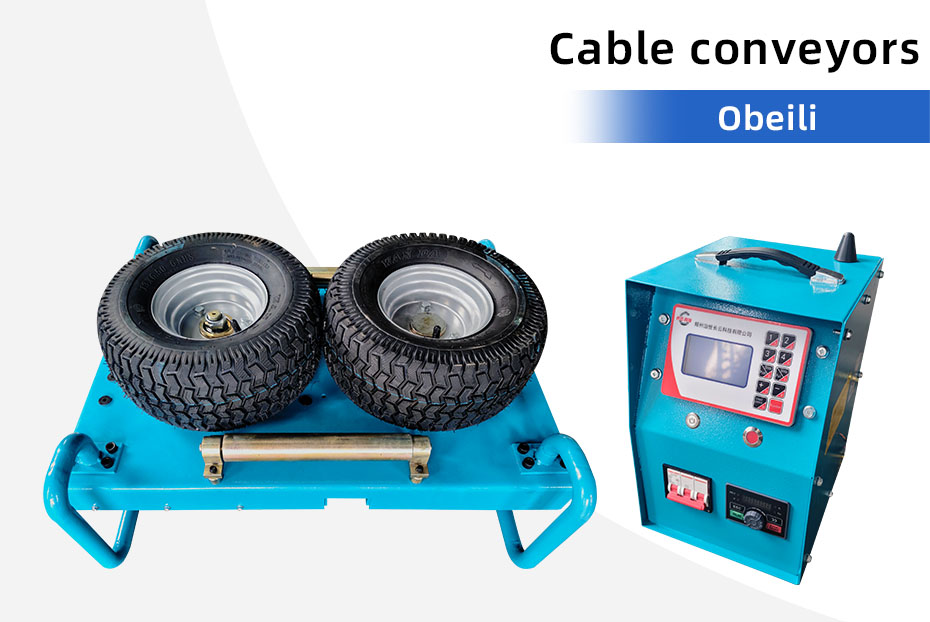
If a cable pusher’s wheels or tracks move while the cable hardly advances, stop the installation using the supplied procedure. Continuing to run against a stalled cable can make the problem worse. New jacket marks, deformation or abnormal noise also need investigation before work resumes.
The fastest useful support request distinguishes loss of grip from a stopped drive or resistance elsewhere on the route. Describe what happened before changing settings. Use the machine manual and cable manufacturer’s limits for any inspection, adjustment or restart.
Record the symptom, not a guessed diagnosis
| Observed symptom | Details to record safely | Question for technical support |
|---|---|---|
| Drive surface moves but cable advances slowly | Cable size and jacket, machine setting and when the symptom began | Is the supplied contact surface and adjustment suitable for this cable? |
| Drive stops as well as the cable | Displayed fault, control mode and equipment identification | Which checks does this controller’s manual require? |
| Marks appear on the cable jacket | Photos of the affected area after safe isolation | Does the cable require assessment before further installation? |
| Problem appears near a bend or payout point | Route sketch and location where resistance changed | Should the route support and installation plan be reviewed? |
These observations help narrow the enquiry. They do not establish the cause or authorize a repair. Keep people away from moving cable, pinch points and stored mechanical energy. Isolate the equipment under the site procedure before close inspection.
Check the exact cable and machine combination
Send cable outside diameter, weight per metre and jacket construction from the cable datasheet. Add the machine model, serial number and photos of its identification plate. A machine’s diameter range alone does not confirm that its contact system is suitable for every cable jacket.
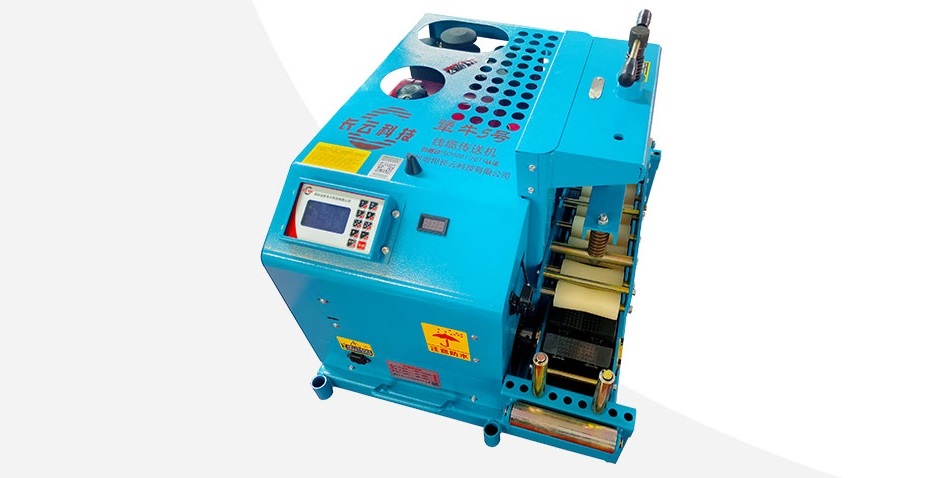
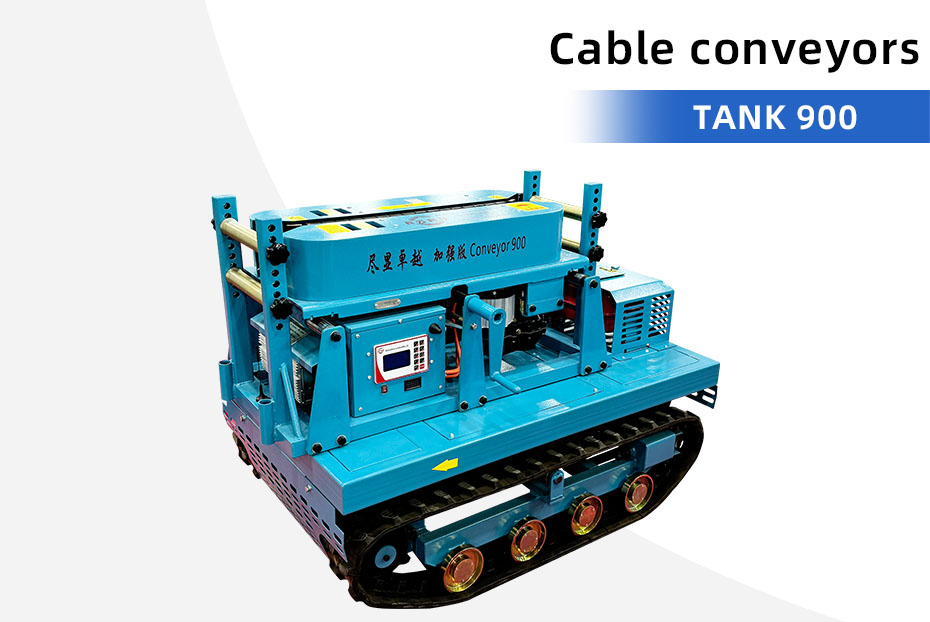
For example, the Oubeili 200 wheel-type tractor lists a 10–100 mm cable range. The APEX-8 cable conveyor lists 2–24 cm. These published ranges help identify a candidate model; they cannot determine a safe clamping setting for a specific cable.
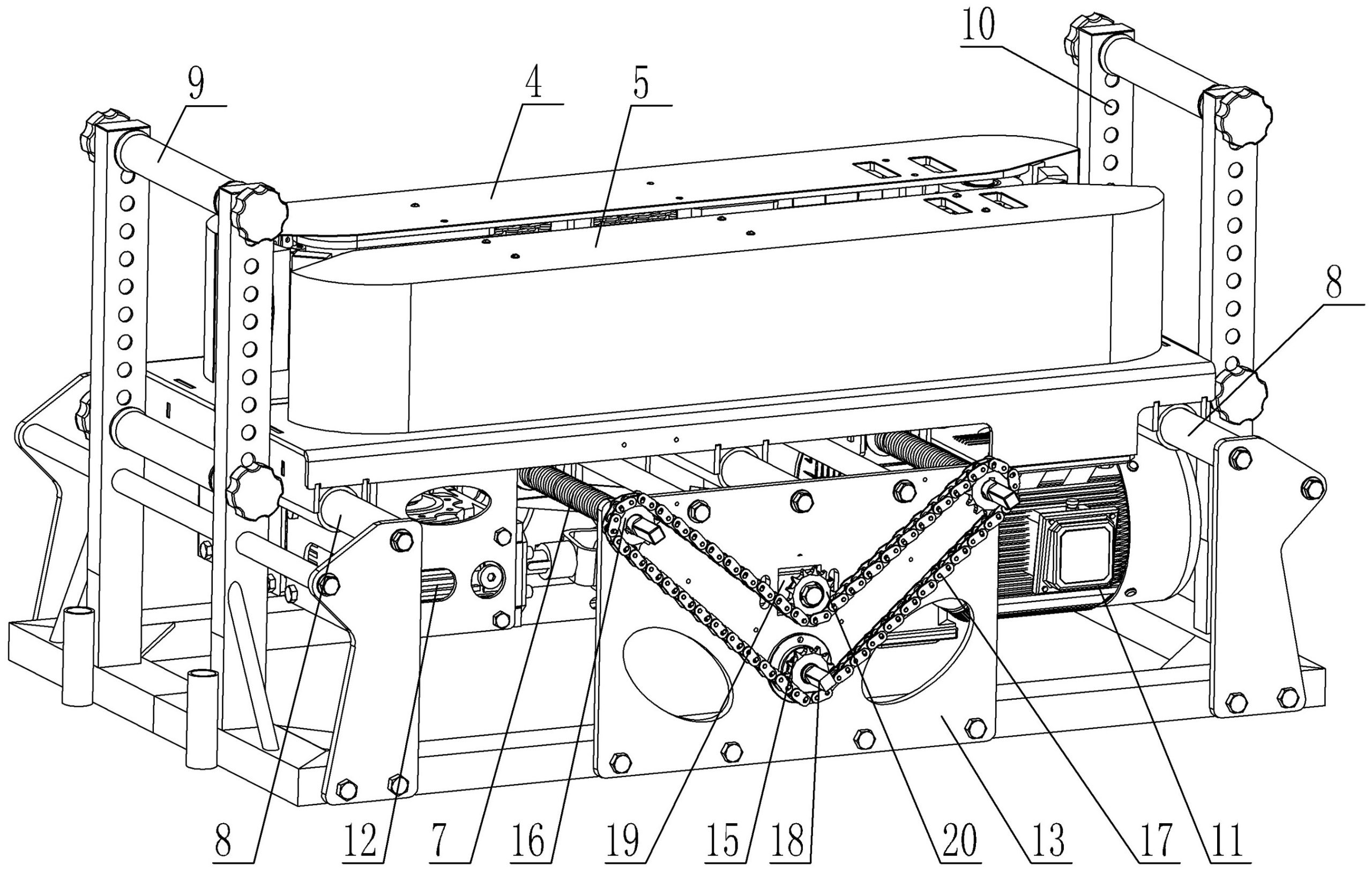
TT Technologies describes conical wheels using friction and pressure to move cable. GMP’s cable pusher uses a profiled drive system and adjustable upper rollers. Different mechanisms require their own instructions. Do not transfer pressure settings or service procedures between models.
Include the route and the last change
Note whether the problem started after a cable change, relocation, control change or maintenance. Supply a route sketch showing the reel, conveyor, supports and bends. Report visible contamination or wear after safe isolation, without attempting to reproduce the fault for a video.
A support team also needs the cable manufacturer’s installation limits. Southwire’s cable installation guide identifies pulling tension, sidewall pressure and bending requirements as important installation considerations. Increasing machine force is not a substitute for checking those limits.
Use this short support-request template
Machine: model, serial number and controller version.
Cable: datasheet, outside diameter, jacket and weight per metre.
Symptom: what moved, what stopped and where marks appeared.
Conditions: control setting, route location and recent changes.
Attachments: nameplate photo, safely taken component photos and route sketch.
Ask for the correct inspection procedure and part identification before ordering replacements. Our spare-parts checklist explains the information needed to match components. Send a cable pusher support enquiry with the evidence above. For a new purchase, request confirmation of the cable-contact configuration with your quotation.