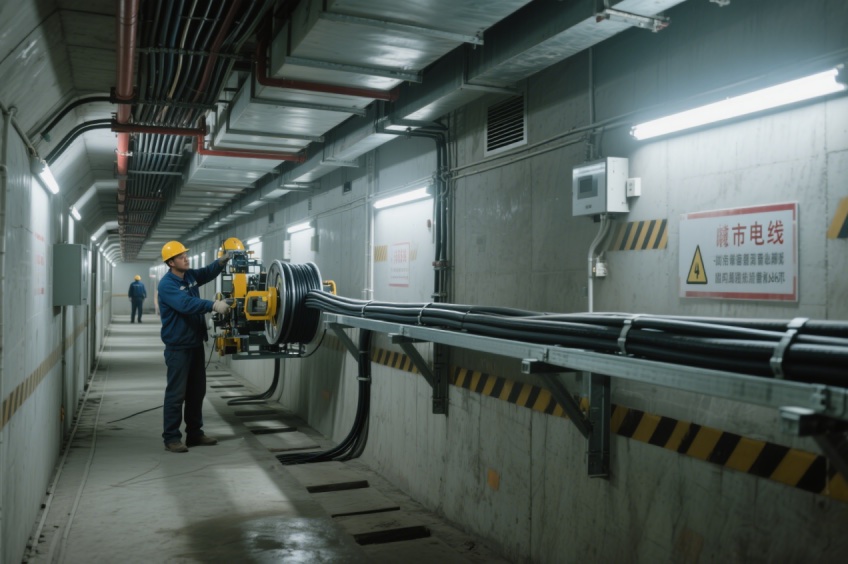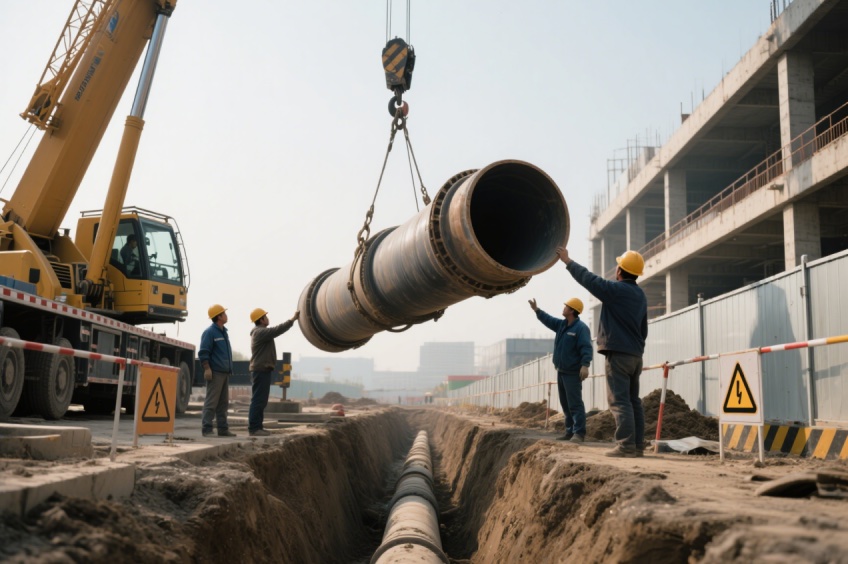
A cable conveyor for multi-layer cable trays must fit the installation arrangement, not just the gap between trays. Before ordering, confirm how the machine will be supported, where its cable centreline will sit and how operators will reach the controls. A product photograph cannot establish whether a particular tray, bracket or overhead structure can support the machine.
This checklist is for contractors preparing a configuration enquiry. It is not a mounting design or permission to attach equipment to an existing tray. The equipment supplier and the person responsible for the supporting structure need to approve the proposed arrangement.
Start with a tray elevation, not only a floor plan
A plan drawing shows bends and distances. A side elevation reveals the tray levels, cross-members and obstructions that may prevent the proposed mounting arrangement. Mark the exact cable route through the machine, the approach and exit directions, and the access position for installing and removing it.
For example, a feeder can appear to fit between two levels while its control box, suspension parts or cable entry path do not. Record the arrangement as installed, including existing cables. For the separate question of access and working envelopes, use our cable pusher clearance guide.
Use this installation-review sheet
| Item to document | What to send | What needs confirmation |
|---|---|---|
| Tray layout | Plan and elevation with numbered levels | Which level receives the cable and where the feeder sits |
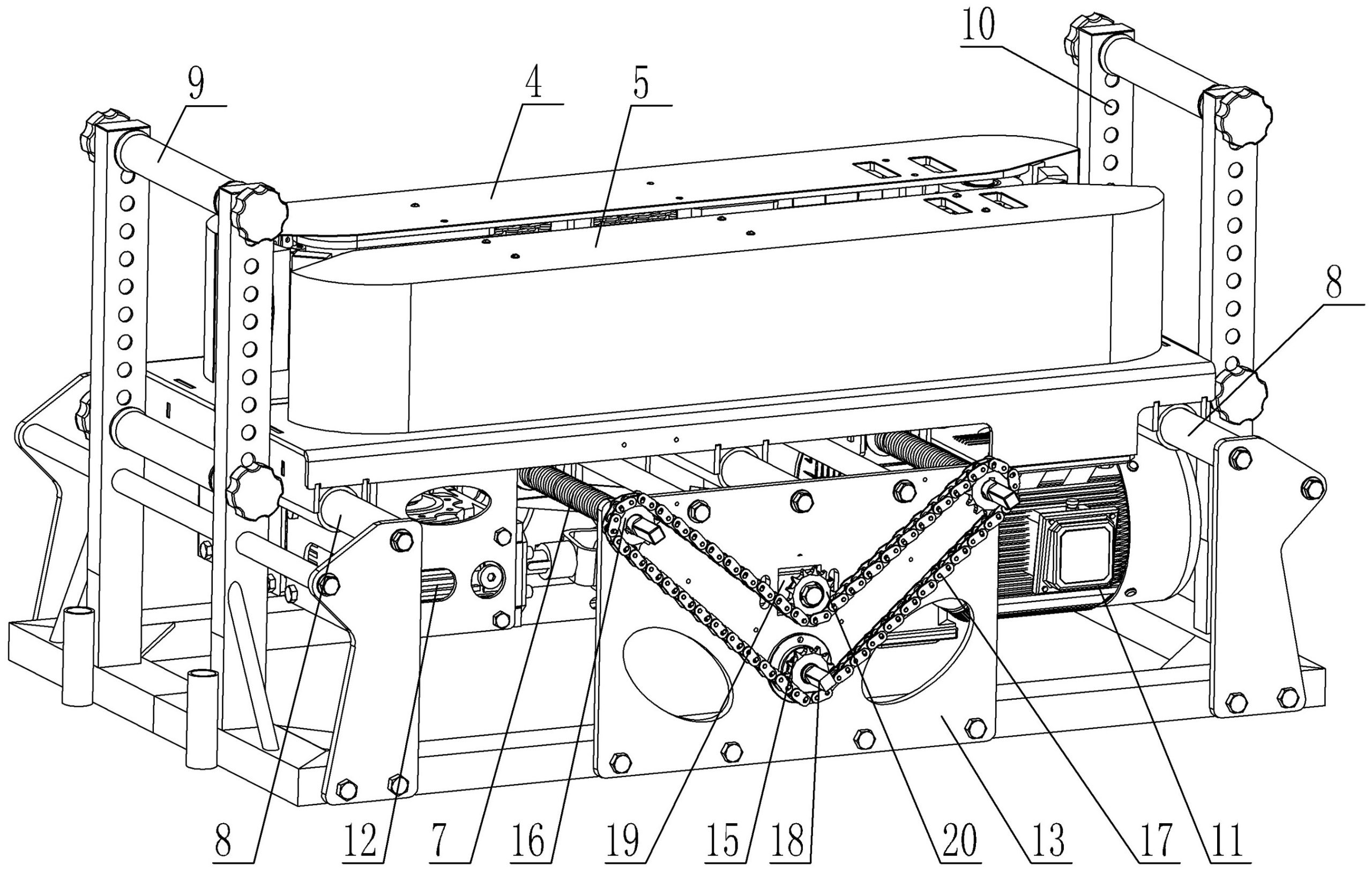
| Mounting position | Photos and dimensions of the proposed attachment area | Horizontal, side or suspension arrangement and required kit |
| Supporting structure | Tray and bracket drawings, material and available load information | Approved attachment points and capacity for the operating loads |
| Cable path | Entry and exit heights, bends and transitions | Alignment, guides and cable manufacturer handling limits |
| Service access | Control-box position and access route | Reachable operating controls, inspection and safe removal |
| Linked operation | Machine list, locations and controller details | Compatible controls and an agreed stopping procedure |
What does the Gecko specification tell you?
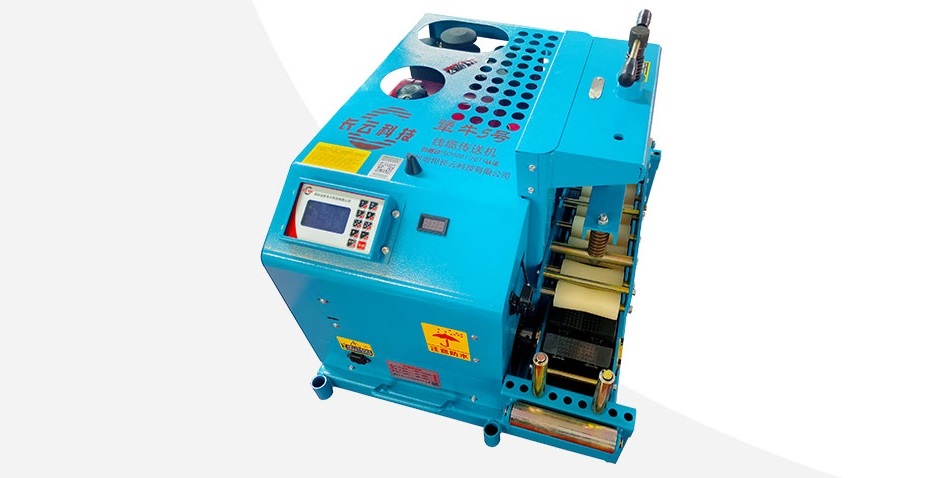
The Gecko Series Multi-layer Cable Tray Conveyor lists 785W power, 3–12 m/min conveying speed and a 1–6 cm cable diameter range. Its published dimensions are 67 × 27 × 39 cm including the base frame. The specification distinguishes a 29 kg suspension unit from a 32 kg arrangement with the base frame.
Those figures help identify the configuration to discuss. They do not define the strength of your tray or the complete operating envelope. The description includes horizontal, overhead and side-mounted arrangements; request the drawing and accessories for the particular arrangement being quoted. Do not assume that every pictured component is included in every delivery version.
Separate equipment weight from the support assessment
The listed machine mass is only one input. Ask the supplier to identify mounting reactions and the proposed load path, then have the supporting structure checked by the responsible designer or engineer. Do not improvise clamps, drill structural members or treat cable-tray cable capacity as approval for attaching a powered machine.
Record which party supplies brackets, suspension parts and fasteners. Ask which drawing revision is being quoted. This makes two supplier offers comparable and helps prevent a machine-only price from being mistaken for a complete installation package.
Plan cable guidance independently of the feeder
A conveyor does not replace the route’s rollers and bend guidance. Southwire’s Power Cable Installation Guide discusses cable-tray roller spacing in relation to cable weight, tension, construction and roller height. This is why a single universal spacing should not be copied into every project.
Have the cable manufacturer’s bending and load limits reviewed for the actual route. Keep a transition between tray levels visible on the drawing rather than treating it as an unimportant short section.
Questions before you place the order
Can the conveyor be mounted directly on any cable tray?
No universal approval follows from the product name. Confirm the specific support, attachment kit and mounting drawing before purchasing.
Does synchronized control remove the need for operators?
No. A synchronization feature needs compatible equipment and an operating plan. Confirm who monitors the cable path, who can stop the system and what happens when one unit stops.
What should I include in my enquiry?
Send the completed review sheet, cable data sheet, route drawing, supply details, quantity and destination through our equipment enquiry page. Ask for a quotation identifying the machine configuration, mounting accessories and control scope. Compare other models in our cable conveyor and cable pusher range.